UNO is one of the world’s most recognisable card games, and the digital version lets New Zealanders enjoy the same colour-matching fun on a phone, tablet or computer with no physical deck required. Whether you are on a break at work or winding down at home, you can start a quick match against the computer or invite friends to play from anywhere.
This guide explains what the online game is, where you can play it safely, how the rules work, and a few tactics that can tilt a round in your favour. Every figure below is drawn from the official game rules and the platforms that host it.
Quick Facts
| Game | UNO (online adaptation of the classic card game) |
| Publisher | Mattel; official apps by Mattel163 and Ubisoft |
| Players | 2–4 in most browser versions (2–10 in the physical game) |
| Deck | 108 cards (76 number, 24 action, 8 wild) |
| Objective | Be the first to discard all your cards |
| Platforms | Web browser, iOS, Android, PC and consoles |
| Price | Free browser versions; official UNO! app free-to-play; Ubisoft UNO is paid |
| Try it | Play a free browser version |
What is UNO online?
UNO online is a digital adaptation of the classic Mattel card game. The goal is unchanged: be the first player to get rid of every card in your hand. Players take turns matching the top card of the discard pile by colour or number, and special cards let you skip opponents, reverse the order of play or force others to draw.
The physical game supports 2 to 10 players, but most browser versions are built for 2 to 4, either against computer-controlled opponents or friends in a private room. The software deals the cards, tracks the scores and enforces the rules automatically, so there is nothing to shuffle and no arguments over who forgot to draw. For a full breakdown of the tabletop game, see the official rules of UNO.
Where to play UNO online
It helps to know the difference between the official products and the free fan-made versions before you start:
- Official UNO! app — published by Mattel163 and Ubisoft for iOS, Android and PC. It is free to download, with optional in-app purchases and advertising.
- UNO by Ubisoft — a paid title on Steam, PlayStation, Xbox and Nintendo Switch, with full online multiplayer.
- Free browser versions — sites branded as “UNO Online” play like UNO but are unofficial, fan-made adaptations. They are free and need no download, though they are not affiliated with Mattel.
The table below compares popular ways to play so you can pick the one that suits your device and budget.
UNO Online Platforms Compared
| Platform | Type | Cost | Best for |
|---|---|---|---|
| UNO! (Mattel163) | Official app (iOS, Android, PC) | Free-to-play with in-app purchases | The official experience with events and modes |
| UNO by Ubisoft | Official game (PC, PlayStation, Xbox, Switch) | Paid one-off purchase | Console and PC players wanting full multiplayer |
| UNO Online (Two Player Games) | Free browser clone | Free | A quick match with no download |
| Uno Online (unoonline.io) | Free browser clone | Free | Solo play against the computer |
| Four Colors (CrazyGames) | Free browser clone | Free | Playing in a hosted games portal |
If you enjoy the social side, UNO has become a staple of online game nights between friends and family across New Zealand.
How to play UNO online: step by step
Once the system chooses a dealer, each player is dealt seven cards and the rest form a face-down draw pile. The top card is flipped over to start the discard pile, and play begins.
Match the top card
On your turn, play a card that matches the discard pile by colour, or by number or symbol. If you have a valid card, play it and the turn passes to the next player.
Use a Wild card
If nothing in your hand matches, a Wild card lets you nominate a new colour of your choice, which is a handy escape when you are stuck.
Draw when you cannot play
With no playable card, you draw one from the pile. Depending on the room settings, you either play that card immediately if it fits or keep it and pass your turn.
Call UNO
When you are down to a single card you must tap the UNO button to declare it. If you forget and an opponent catches you, you are made to draw penalty cards. Here is exactly what happens if you forget to say UNO.
The UNO deck: cards and what they do
The standard deck holds 108 cards, and the digital version reproduces it exactly: 76 number cards, 24 action cards and 8 wild cards.
Number cards
There are 76 number cards, roughly 70% of the deck. Each of the four colours — red, yellow, green and blue — has one “0” and two each of the numbers 1 to 9, giving 19 number cards per colour. At scoring time, each number card is worth its printed face value.
Action cards
Action cards change the flow of a round. There are two of each per colour, 24 in total, and every one is worth 20 points when scoring.
- Skip — the next player loses their turn. In a two-player game this hands you an immediate second turn.
- Reverse — flips the direction of play from clockwise to anticlockwise, or back again.
- Draw Two — the next player draws two cards and forfeits their turn.
Wild cards
Wild cards can be played on any colour. There are four of each type, 8 in total, and each is worth 50 points.
- Wild — lets you change the colour in play to whatever suits your hand.
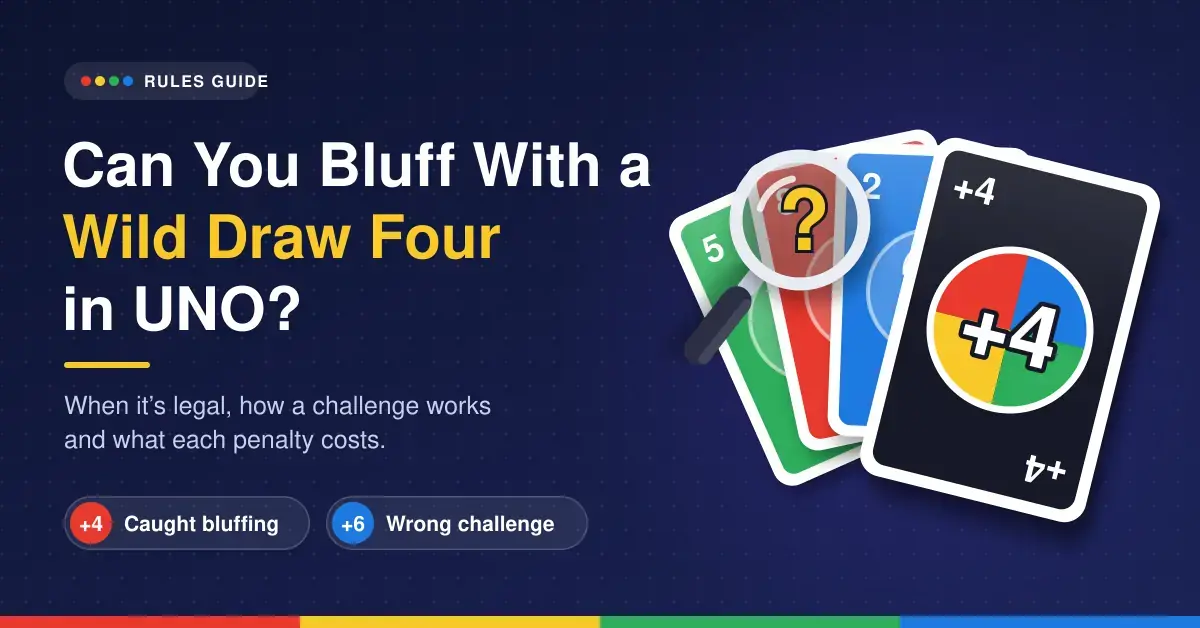
- Wild Draw Four — changes the colour and forces the next player to draw four cards. There are conditions on when it can legally be played, which the Wild Draw Four rules explain in detail.
How UNO online scoring works
When a player empties their hand, they win the round and score the total value of the cards still held by everyone else. Number cards count for their face value, action cards for 20 points each and wild cards for 50 points each. Under the official rules, the first player to reach 500 points wins the overall game. Online platforms tally all of this for you automatically, but it pays to understand it, and you can read more on how scoring works in UNO.
Strategy tips for winning at UNO online
Winning takes a little foresight as well as luck. A few habits will lift your results:
Save your power cards
Hold Wild, Skip, Reverse and Draw cards until they matter. Spending them early wastes their disruptive value; keeping them for when an opponent is close to winning is the mark of a strong player.
Watch the card counts
Most interfaces show how many cards each player holds. When someone drops to two cards, play aggressively — use Skips, Draw Twos or a Wild Draw Four to stop them reaching their last card.
Steer the colour
If play is drifting toward a colour you are short on, use a Wild card to switch to the colour where you hold the most options.
UNO online vs the physical card game
The core rules are the same in both formats, but the digital version differs in a few practical ways:
- Dealing, drawing and scoring are all automated, so play is faster.
- Many rooms let hosts toggle house rules such as card stacking or different penalty amounts, so always check the room settings before you start.
- You can play any time against bots, without needing a group in the same room.
System requirements for UNO online
You do not need a powerful device to play, because browser versions run on standard hardware:
- Operating system: Windows, macOS, Linux, iOS or Android.
- Browser: a current version of Chrome, Firefox, Safari or Edge.
- Internet: a stable connection; high speed is not required, but a steady link avoids drop-outs during a game.
- Device: desktop, laptop, tablet or smartphone.
A brief history of UNO
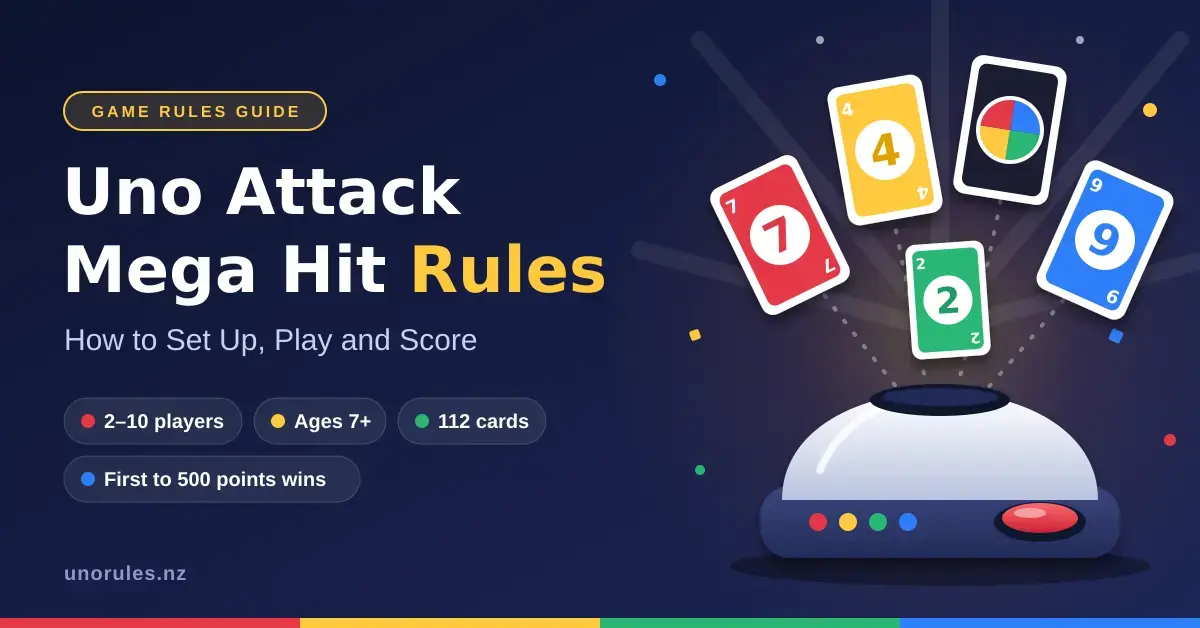
UNO was created in 1971 by Merle Robbins, a barber from Ohio, to settle a family dispute over the rules of Crazy Eights. He printed the first decks at home and sold them from his barber shop, then sold the rights in 1972 to a company that became International Games. Mattel acquired that business in 1992, and UNO has since grown into one of the best-selling card games in the world, spawning branded spin-offs such as UNO Flip, UNO Attack and UNO Emoji.
Games similar to UNO
If you like UNO, several other shedding-style card games offer a similar feel, including Crazy Eights, Skip-Bo, Phase 10, Rummy and the German classic Mau-Mau. For a different twist on the same formula, the double-sided UNO Flip edition adds a light and dark deck that changes mid-game.
Sources
Frequently Asked Questions (FAQ)
Is UNO online free to play?
Yes. Most browser versions are completely free and need no sign-up, and the official UNO! mobile app is free to download with optional in-app purchases. Ubisoft’s console and PC version of UNO is a paid title.
How many players can join a game of UNO online?
It depends on the platform. Many free browser versions support 2 to 4 players against friends or the computer, while some apps allow larger groups. The physical card game officially supports 2 to 10 players.
Can I play UNO online with friends on different devices?
Yes. Most platforms let you create a private room and invite friends by link, and they can join from a PC, tablet or phone regardless of which device you are using.
Are the digital rules the same as the physical card game?
The core rules are the same. Digital rooms may offer optional settings, such as allowing stacking or changing penalty amounts, so it is worth checking the room configuration before the first hand.
Can I play a Wild Draw Four on a Draw Two?
Under official UNO rules you cannot. When a Draw Two is played against you, you must draw the two cards and lose your turn unless the room specifically enables stacking house rules.